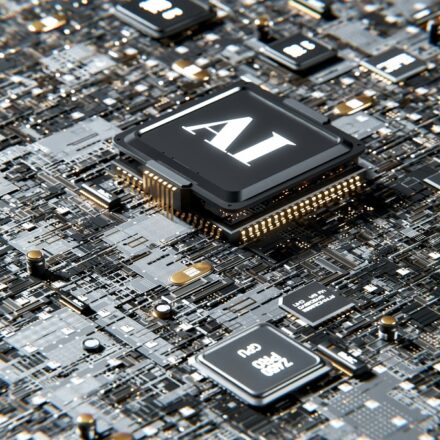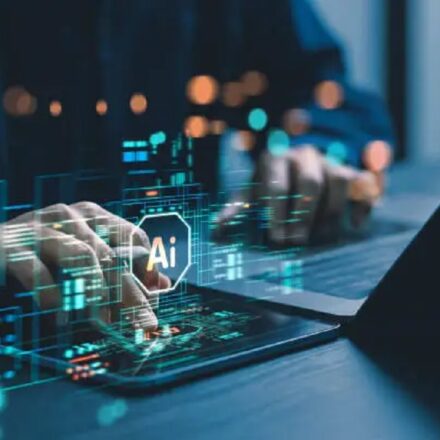
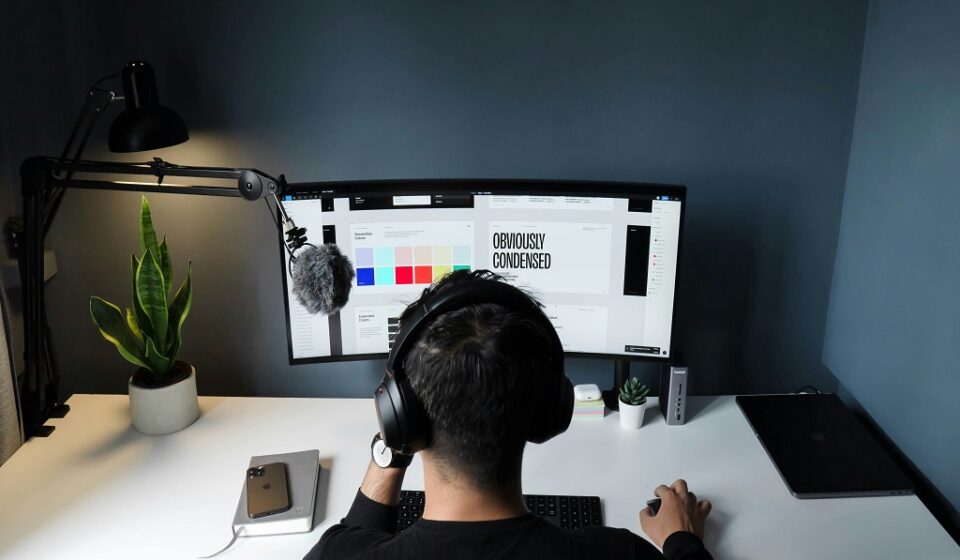

Artificial intelligence is transforming graphic design faster than ever before. Today’s AI tools help designers, content creators, entrepreneurs, and marketers turn ideas into stunning visuals in minutes—whether you’re crafting social media graphics, branding assets, UI mockups, or full‑scale marketing visuals. These tools don’t replace human creativity, but they amplify productivity and unlock new creative possibilities. ()
Table Of Content
- ✨ 1. Canva AI (Magic Studio) — All‑in‑One Design Powerhouse
- 🎨 2. Adobe Firefly — Professional‑Grade Creative AI
- 🧠 3. Midjourney — Artistic and Concept Design
- 🖼️ 4. Figma + AI Plugins — Smart UX/UI Design
- 📷 5. Freepik’s AI Image Generator — Quick Custom Graphics
- ✏️ 6. AutoDraw — Instant Vector Sketches
- 📸 7. Fotor AI Designer — Simple Photo & Graphic Design
- 🧰 8. Designs.ai — Branding & Creative Suite
- 📊 9. Visme — Infographics & Presentation AI
- 🎯 10. Kittl & Pixlr — Typography & Image Creativity
- 💡 Tips for Using AI in Graphic Design
- Final Thoughts
In this guide, we’ll explore the best AI tools you can use in 2026, how they help with design work, and when to choose which one.
✨ 1. Canva AI (Magic Studio) — All‑in‑One Design Powerhouse
Best for: Social media graphics, presentations, marketing visuals
Canva’s Magic Studio combines multiple AI capabilities into one design platform. With Magic Design, Magic Write, and automated layout suggestions, you can generate polished graphics from simple prompts or templates. It even removes backgrounds and resizes designs for different platforms automatically. ()
Why it’s great:
- Generates full layouts from prompts
- Built‑in template library
- Easy for beginners and non‑designers
🎨 2. Adobe Firefly — Professional‑Grade Creative AI
Best for: Professional designers and advanced editing workflows
Adobe Firefly integrates generative AI directly into Adobe’s Creative Cloud apps like Photoshop and Illustrator. It lets you generate images, manipulate visuals, apply style transfers, and quickly produce high‑quality creative assets. ()
Why it’s great:
- Deep integration with Adobe ecosystem
- Advanced image and vector generation
- Commercially licensed output
🧠 3. Midjourney — Artistic and Concept Design
Best for: Concept art, branding visuals, moodboards
Midjourney excels at producing visually striking images based on textual prompts. Designers use it to brainstorm ideas, generate illustrative visuals, or create visuals for pitches and moodboards. ()
Why it’s great:
- Produces unique and creative concepts
- Works well for storytelling and brand imagery
🖼️ 4. Figma + AI Plugins — Smart UX/UI Design
Best for: UX/UI designers and collaborative teams
Figma’s evolving AI capabilities allow designers to generate layouts, auto‑suggest components, and streamline prototyping. AI tools can even offer design critiques or faster iterative changes in a shared workspace. ()
Why it’s great:
- Enhances team collaboration
- Boosts UI design speed and consistency
📷 5. Freepik’s AI Image Generator — Quick Custom Graphics
Best for: Agencies, in‑house teams, and advertisers
Freepik’s AI generator builds custom visuals directly within its massive asset library, making it easy to rapidly create brand‑safe, commercially licensed images. ()
Why it’s great:
- Integrated with stock assets
- Fast visual creation for commercial use
✏️ 6. AutoDraw — Instant Vector Sketches
Best for: Concept visualization and quick illustrations
Google’s AutoDraw turns rough sketches into polished icons and graphics using predictive AI—a great tool for brainstorming or quick prototyping. ()
Why it’s great:
- Browser‑based and easy to use
- Perfect for quick diagrams and icons
📸 7. Fotor AI Designer — Simple Photo & Graphic Design
Best for: Social posts, ads, image enhancement
Fotor’s AI suite offers tools for photo editing, background removal, and graphic generation with an intuitive interface. ()
Why it’s great:
- One‑click visual enhancements
- Great for social and blog graphics
🧰 8. Designs.ai — Branding & Creative Suite
Best for: Small businesses and freelancers
Designs.ai provides an all‑around creative platform where you can generate logos, social graphics, videos, and full brand kits using AI assistance. ()
Why it’s great:
- Multi‑tool creative suite
- AI branding tools for small teams
📊 9. Visme — Infographics & Presentation AI
Best for: Infographics, charts, presentations
Visme blends graphic design with data visualization. Its AI tools suggest layouts and help you create impactful visuals for reports and presentations. ()
Why it’s great:
- Great for visual storytelling
- Ideal for business presentations
🎯 10. Kittl & Pixlr — Typography & Image Creativity
Best for: Merch design and AI photo editing
Kittl excels at typography‑driven design like posters and T‑shirts, while Pixlr’s AI photo editor applies effects, retouches images, and enhances visuals quickly with minimal effort. ()
Why they’re great:
- Kittl: strong typography and graphic assets
- Pixlr: powerful browser‑based photo edits
💡 Tips for Using AI in Graphic Design
✔ Start with prompts: Use natural language descriptions to generate visuals fast.
✔ Iterate quickly: AI lets you explore many design options before settling on a final version.
✔ Maintain your style: Use AI as an assistant, not a replacement—blend its output with your creative decisions. ()
Final Thoughts
AI tools for graphic design have made professional visuals more accessible than ever. Whether you’re a business owner who needs marketing graphics or a designer seeking speed and inspiration, these AI platforms can transform your creative workflow.
With the right combination of tools—ranging from concept generation to final output—you can produce stunning designs faster and at a higher quality than ever before. ()
Would you like a comparison table of these tools with pricing and best use cases? I can include that too!